Nowadays, many Safaricom Kenya subscribers check and get their mini or full MPesa statement online.
Safaricom has taken this a step further by launching its brand new WhatsApp service to deliver real-time account statements on the WhatsApp platform.
Suggested: How to recover and secure your WhatsApp account against hacks.
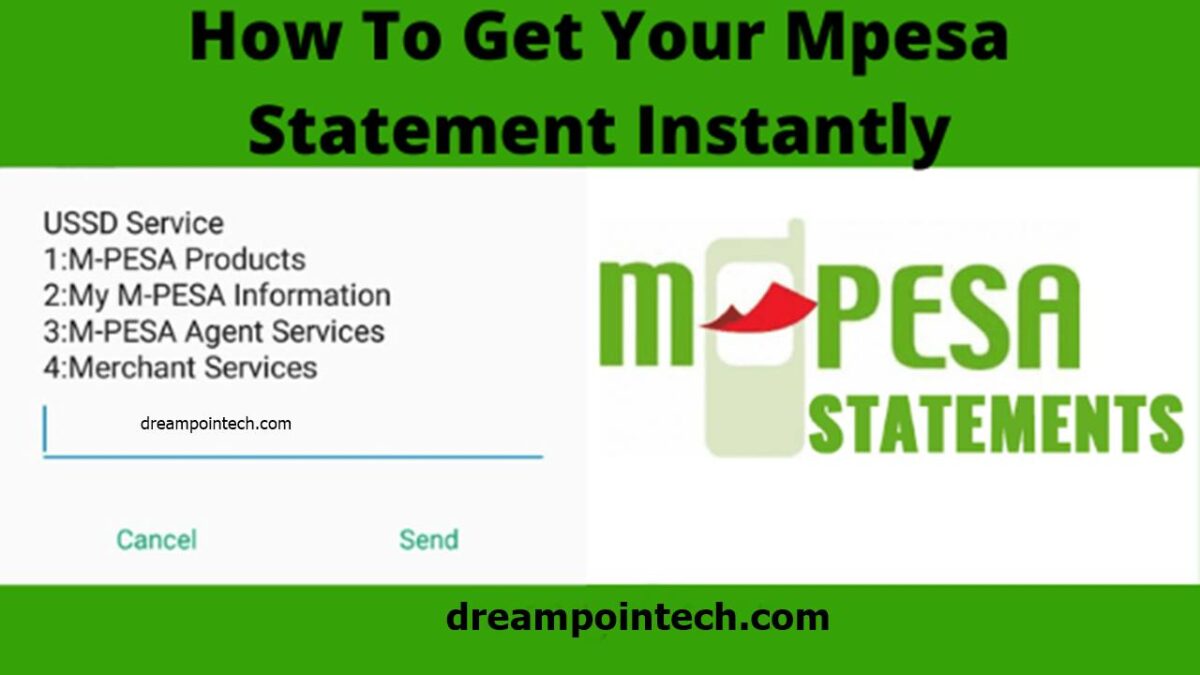
This makes the job much easier as network customers who use Mobile Money or MPesa can conveniently check their account balances and transactions on WhatsApp without any hassle.
Suggested: Free internet hack on Safaricom Kenya (Educational Purposes Only)
Check and Get MPesa Mini & Full Statement Online
To check or get your mini or whole Safaricom MPesa individual or agent statement online through WhatsApp, do the following:
- Go to the Safaricom MPesa Official WhatsApp Online Service using your web browser.
- Click on ‘Continue to Chat’ to initiate a session on WhatsApp with ‘Safaricom Zuri.’
- Send ‘(SMS)M-PESA statement’ to the MPesa Online chatbot (virtual assistant).
- From the following menu, choose 1 or 2, which corresponds to a mini-statement or complete statement, respectively.
- Enter the correct Safaricom number from which the statement of account or MPesa must be generated.
- In the following prompt, enter your MPesa or Mobile Money secret pin to validate the online statement process.
- Congrats, your detailed mini or full Safaricom Statement will be sent to you online via WhatsApp and your designated email address. You can download the statement to your mobile phone or computer as a PDF document for free.
Read: How to request or check MTN Mobile Money or MoMo Statement Online.